
Every day, millions of videos are uploaded and go viral on the internet across many social media platforms. However, most of the time, we don’t have any idea about the original creator of the video, and people start debating its authenticity in the comments.
For these circumstances, reverse video search is a very useful technique. It helps journalists, researchers, content creators, and normal social media users to identify the real source of a video and determine whether their content is being used without their permission.
Reverse video search is a process that allows us to find additional information about any video on the internet and verify its authenticity. In traditional search, we type keywords, and the search engine displays the results. On the other hand, reverse video search looks for similar results by using the user's video or a screenshot of a video frame.
Why Do a Reverse Video Search?
The primary goal of the reverse video search technique is to track the real source of the video, such as:
-
Verify Viral Content
Several old videos are circulated on many social media apps with the wrong context and go viral later, and people make them appear new. Reverse video search helps users check whether the video is recent or old.
-
Find the Original Source
If a video is uploaded or reposted by multiple pages, the reverse video search technique can help a user to reach the original creator of the video. Further, it verifies if it has not been stolen.
-
Detect Misinformation
Misleading videos during news and current events are very common. By using reverse video search, fact-checking becomes easier for journalists and other users across social media platforms.
-
Copyright Protection
Reverse video search provides copyright protection for content creators who make their content with a lot of effort. It helps them as they are concerned about whether their content is being used by other sources without permission. For a broader toolkit beyond reverse search, see our roundup of tools for protecting video content.
-
Gather More Information
Sometimes we need information about a specific product, event, or location. Reverse search can help us to lead there by finding similar results or locating the creator.
How Does Reverse Video Search Work?
In reverse video search, different tools work differently. Some standard methods are simple image-based and don’t provide the analysis of the video directly. Conversely, some advanced tools use AI and analyze the video on a deeper level.
In simple words, this process can be understood in two main types:
-
A simple image-based method used by common search engines
-
An advanced AI-based method used by modern tools
Now, let’s talk about the most common methods in detail.
-
Reverse Video Search by Google Lens
It’s important to understand that Google doesn't currently support the video directly.Instead,it uses screenshots and still video frames for search. For this purpose, Google Lens is a simple and widely used tool.
In this method, you have to follow these basic steps:
Step 1:At first, you have to capture a clear screenshot of a video frame in which important visual details (objects, face, place, or background) are clearly visible.
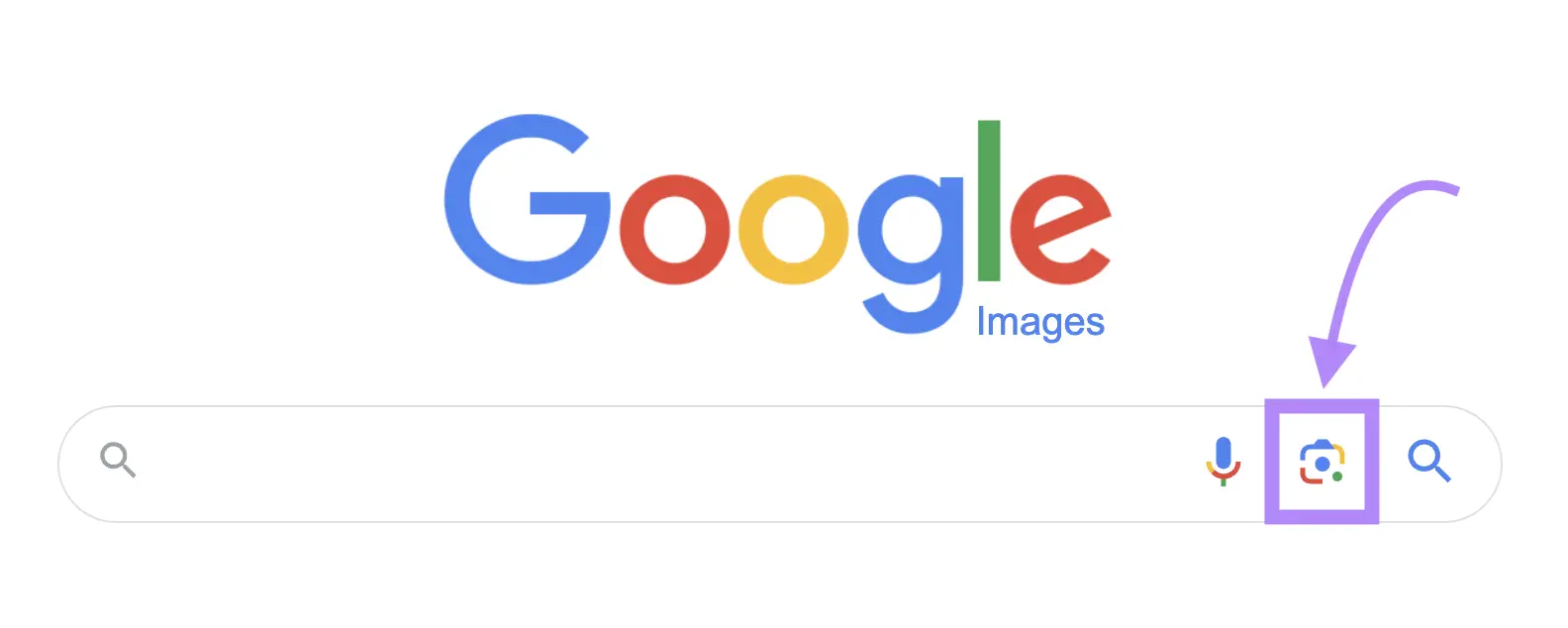
Step 2: Open google.com and click on Google Lens (a camera-like icon) on a desktop, a mobile Google app, Chrome, or a direct Lens feature.
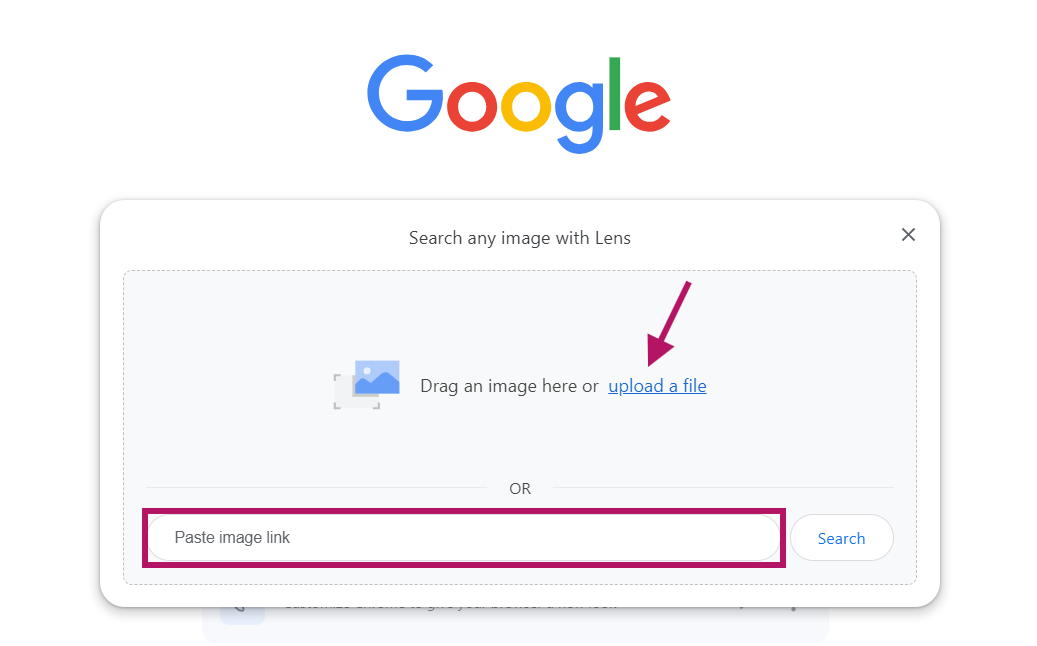
Step 3:Directly upload or paste the link of a captured image or a frame.
Step 4:Then Google finds similar matches. If your video is present on any website or article, there is a chance to get the exact source from which your video was uploaded.
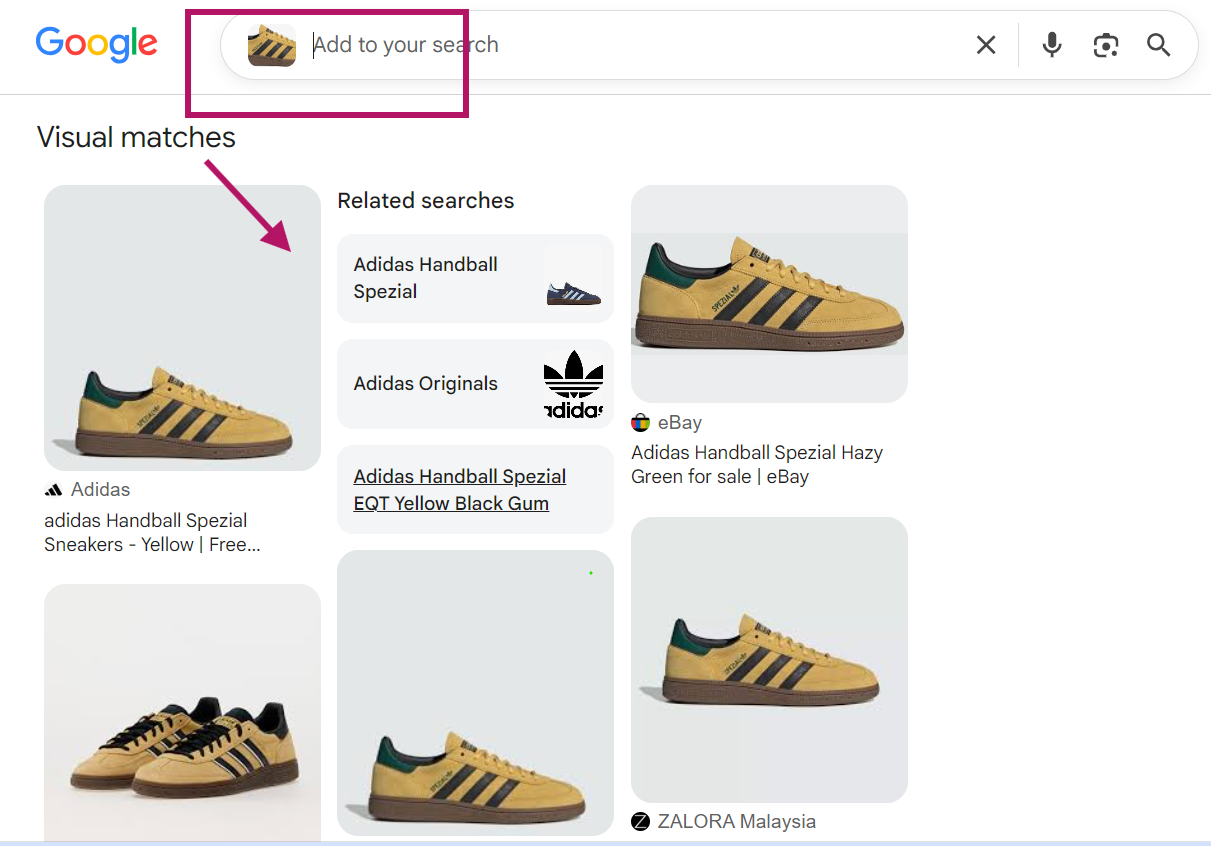
Step 5:To see all webpages, click "Exact matches." You can locate additional sources that have posted your video by using this feature.
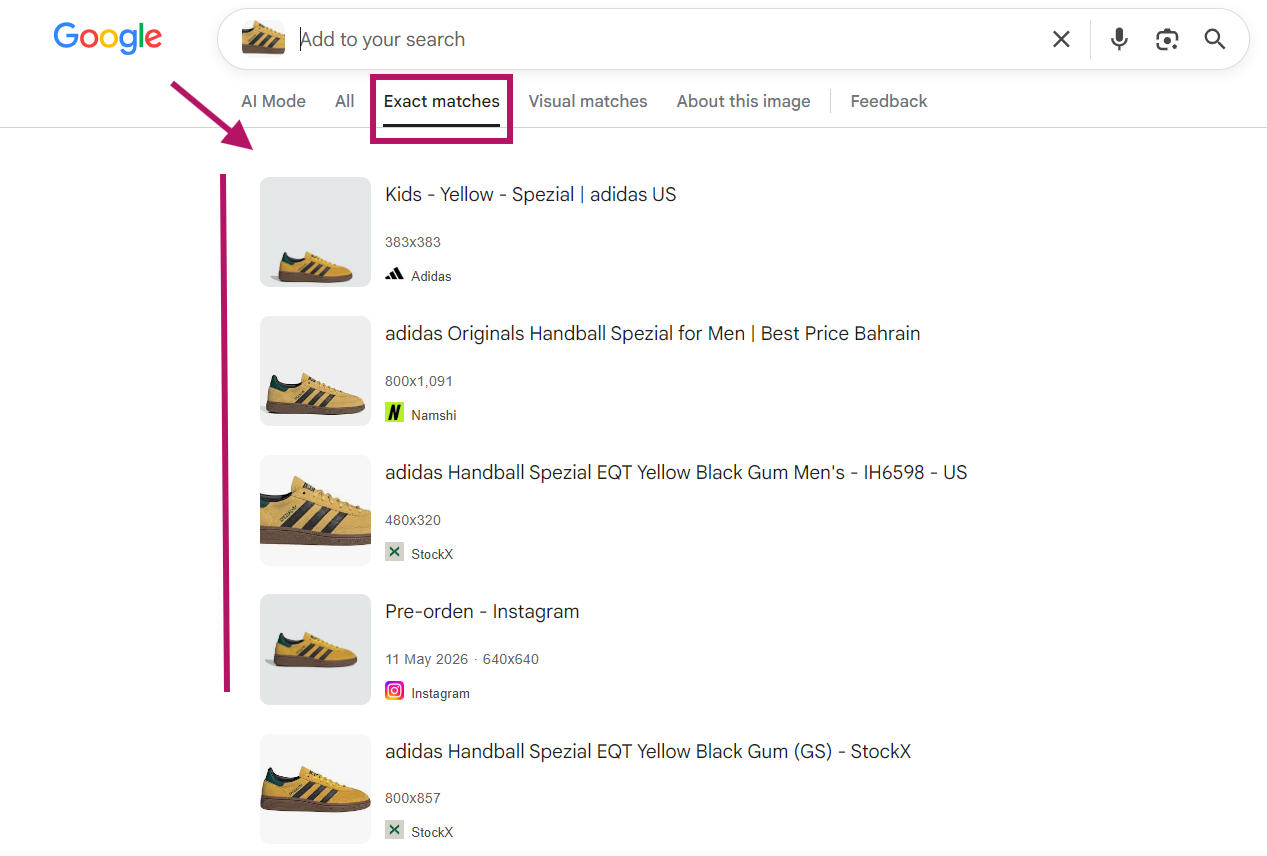
Overall, Google Lens is a quick and beginner-friendly option for reverse video search, but it is not the only option. If you're wondering how this differs from a dedicated video approach, see reverse video search vs. reverse image search.
-
Reverse Video Search by Bing
Bing also has a reverse video search function, but like Google, it is limited to still images. However, its image recognition algorithms are different, but it gives accurate results.
Using it is as follows:
Step 1:Open Bing visual search on any of your devices.
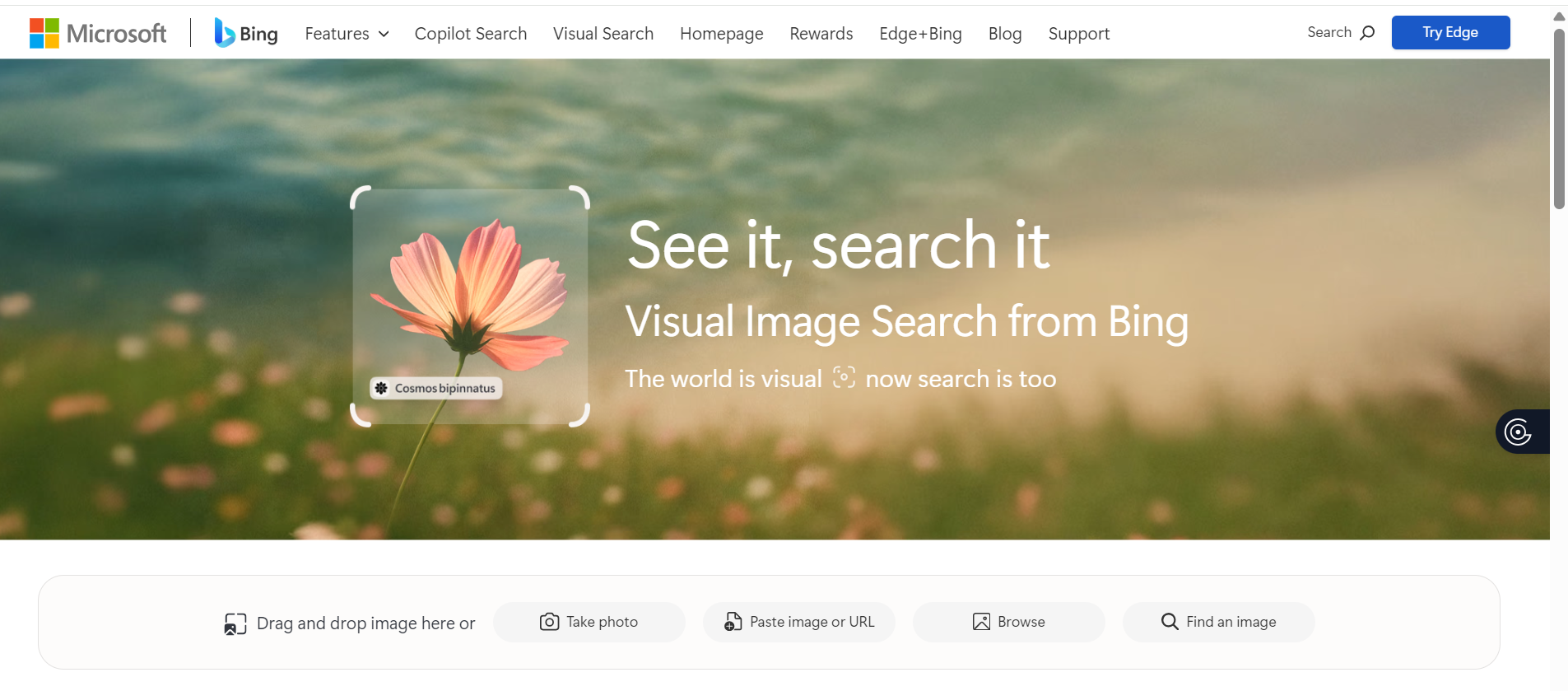
Step 2:Browse or add your screenshot from a drag-and-drop option.

Step 3:Bing will show similar images, related web pages, and matching content that you can explore to get useful information about your video.
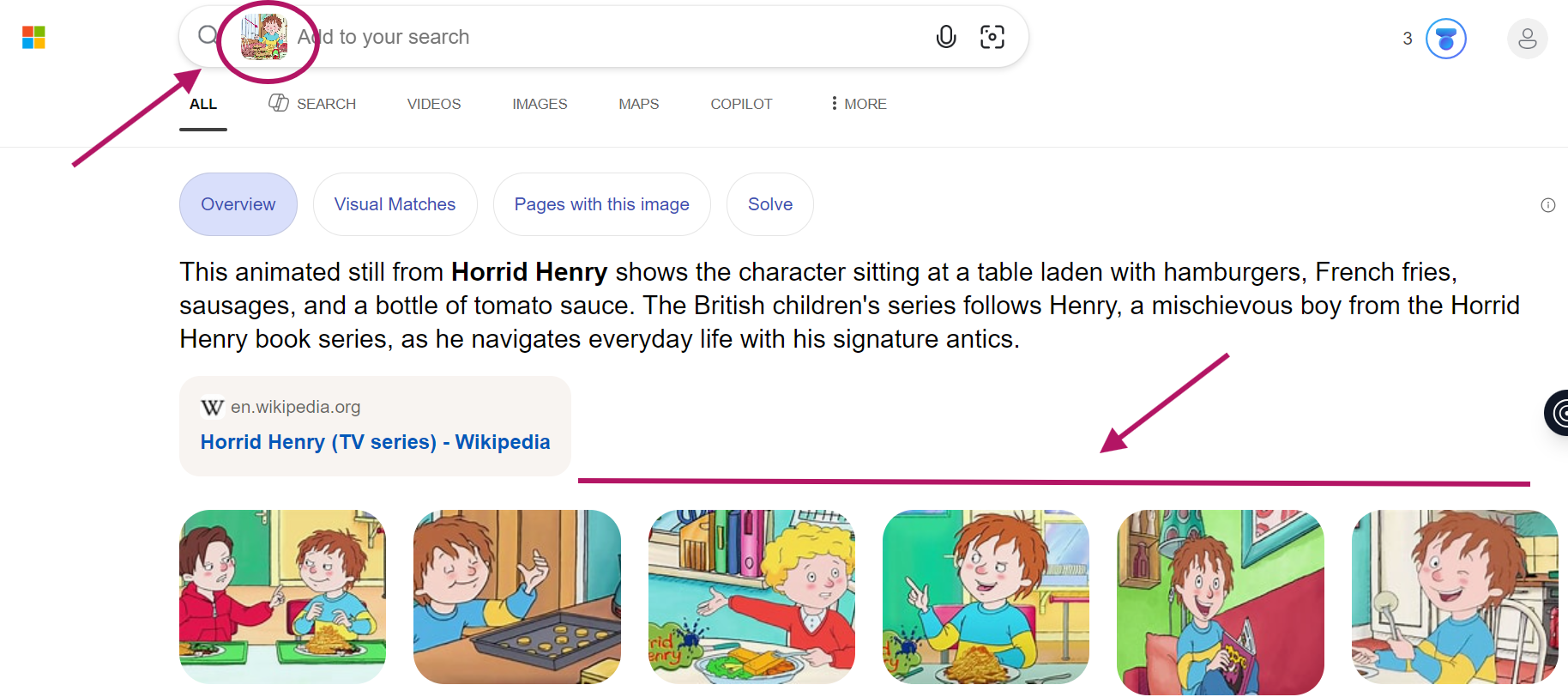
While the procedure is quite similar to Google Lens, Bing may occasionally display different results depending on the search index. Therefore, it can be worthwhile to try Bing if Google doesn’t provide the desired information.
-
Reverse Video Search by Online Tool
Methods like Google and Bing are useful, but they are limited to screenshots and individual frames. However, if you want more comprehensive results, a dedicated reverse video search tool can be the best pick for you. It is an advanced tool that uses AI and computer vision technologies to analyze video content in detail.
The best feature about this tool is finding relevant matches from multiple platforms like Google, Bing, YouTube, TikTok, and other publicly available sources. Here’s a guide to use it:
Step 1:Open reverse-videosearch.com on any browser.
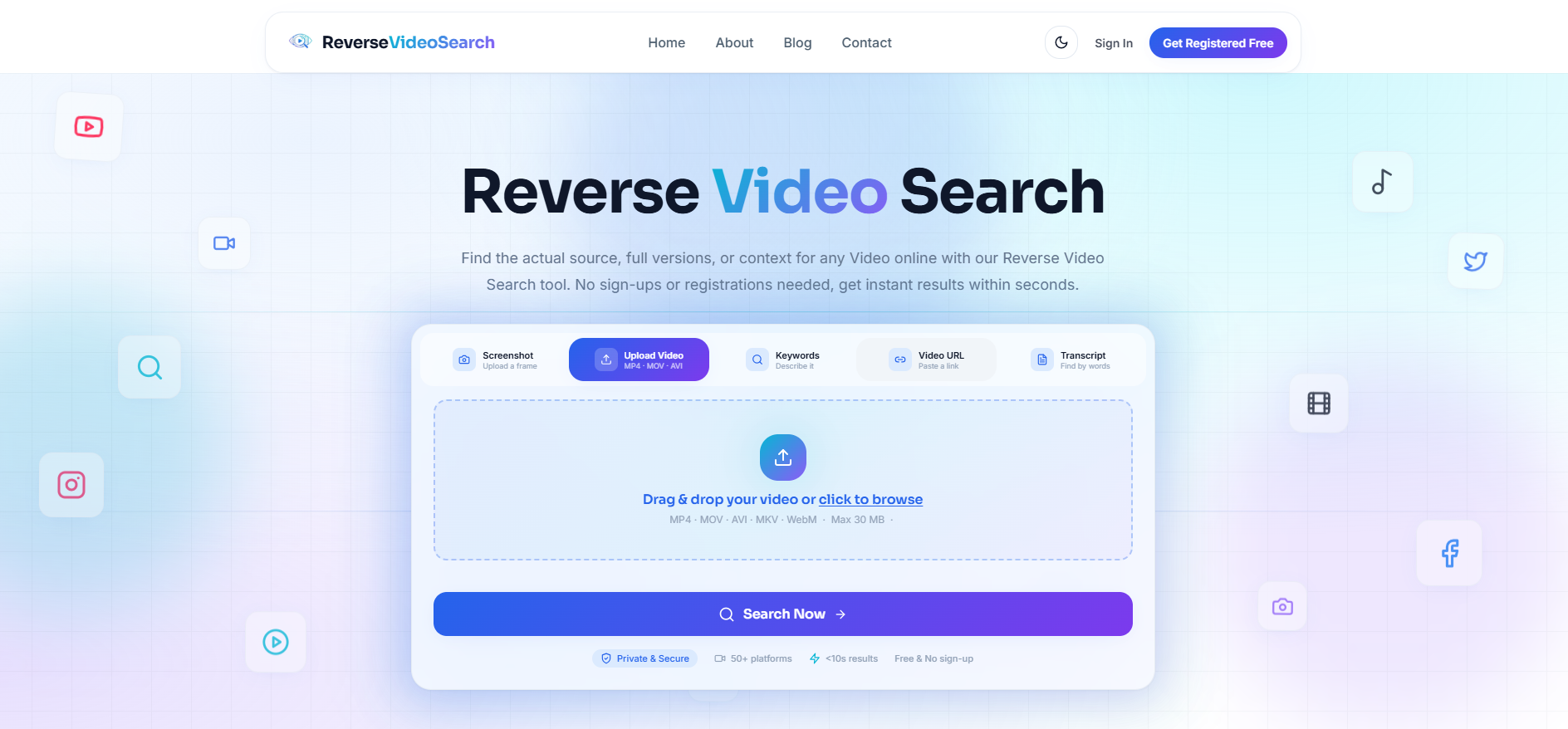
You have multiple options available:
-
Upload a clip or screenshot of the video.
-
Paste video URL.
-
Search by keywords or enter transcripts.
Step 2: Once you have provided the input, the next step is to click the “Search Now” button.
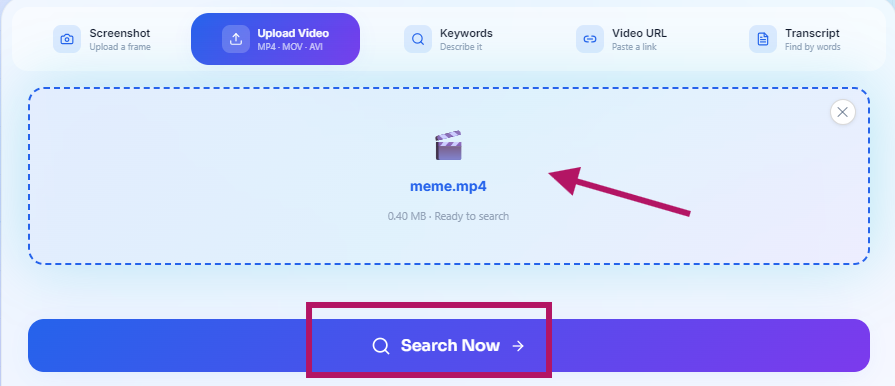
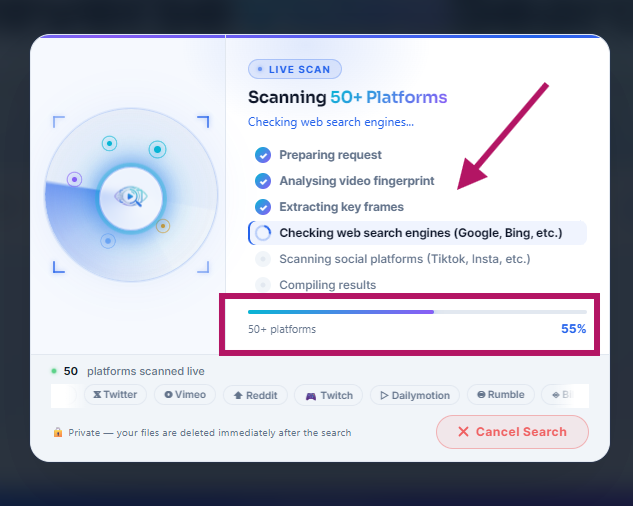
It scans the video from 50+ platforms and analyzes the visual elements, scenes, and patterns of it.
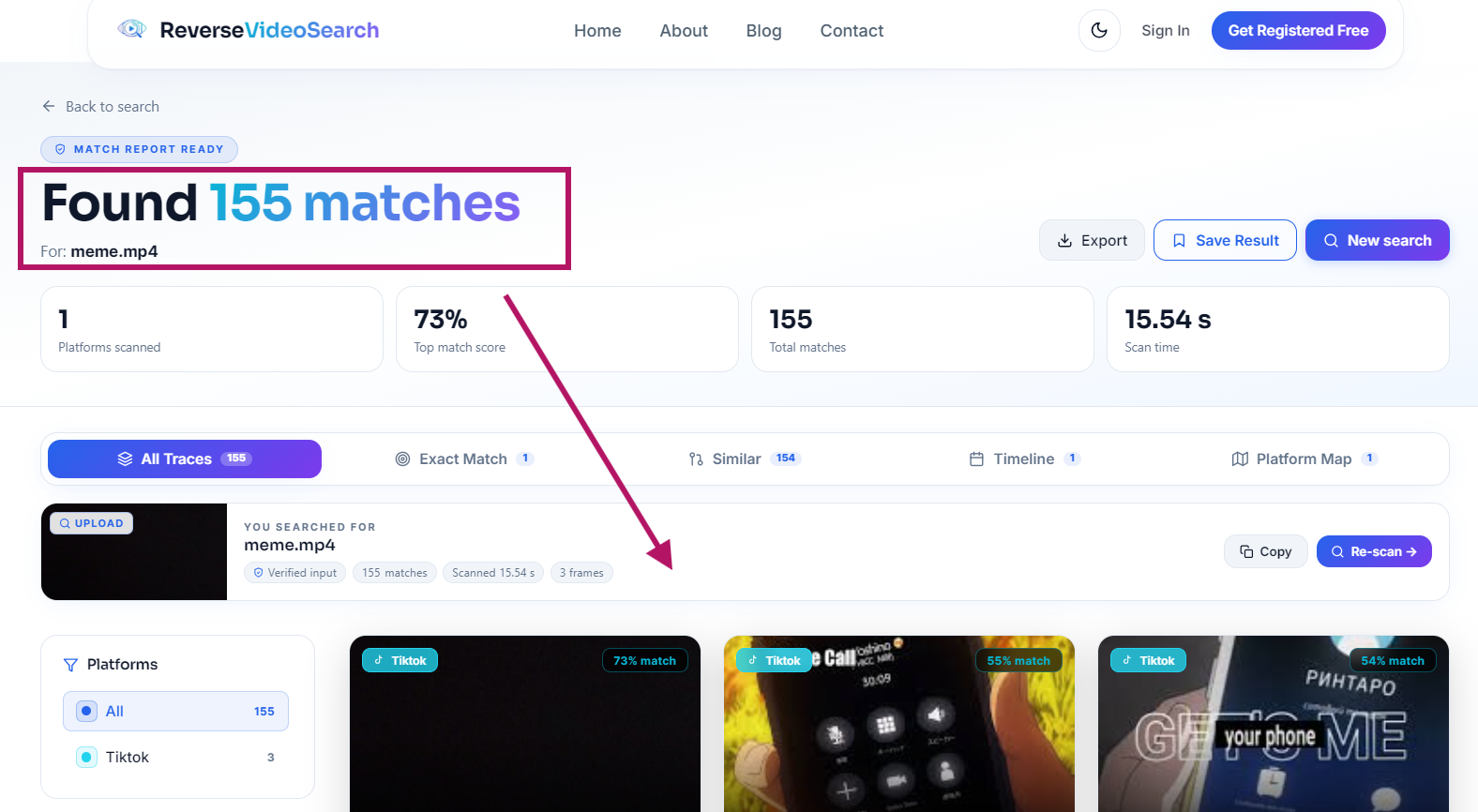
Step 3:After a few seconds, it will show you the exact matches, similar clips, or reused content pieces along with their sources.
Although various technologies, such as Google and Bing, can provide you with accuracy. However, a dedicated reverse video search tool can be more useful for those who want to go beyond just a screenshot match and explore the video's broader online presence. For a full walkthrough of every feature, read our complete guide to using the tool efficiently.
Additionally, this tool is free and has a user-friendly interface.
Final Thoughts
Reverse video search is a useful and modern technique that has become very important in today’s digital age. Its primary purpose is to find the real source, authenticity, and related information of the video. Nowadays, the content on social media is spreading so fast that it becomes significant to verify the reality of each video.
Basic methods like Google Lens or Bing Visual Search follow a simple screenshot-based approach. However, advanced tools such as the reverse video search tool use AI algorithms and computer vision technology. This tool identifies the important frames or visual patterns of a video. Then compares it with multiple online sources so that the matching or related content can be found.
The reverse video search technique is very useful for journalists, researchers, and content creators for fact-checking, tracking viral patterns, and verifying who’s stealing or re-uploading their videos without permission and credit.
FAQs
Q1: Can reverse video search analyze a video directly?
Various basic tools don’t analyze the video directly and usually work on screenshots or video frames. However, some advanced tools, like the reverse video search tool, can analyze the video on a deeper level using AI.
Q2: Is reverse video search free to use?
Yes, most tools like Google Lens and Bing Visual Search are available for free. Some advanced tools, such as the reverse video search tool, also offer a free version, while some platforms provide both free and paid options.
Q3: Why do we need reverse video search?
Reverse video search is mainly used for video verification. Journalists, content creators, and other social media users can use it to verify the authenticity of viral content and to look for fake news and original sources.
Q4: Can reverse video search always find the original video?
Not always — results depend on video quality, edits, and whether the source is still online. Here's a full breakdown of why lookups fail and how to fix them.
Q5: What makes advanced tools different from Google or Bing?
Advanced tools like the reverse video search tool don't just rely on screenshots. They use AI and computer vision technologies to analyze the scenes, objects, and patterns. It helps users to give more accurate and detailed outcomes.