
Quality videos take time, effort, and creativity to produce, but keeping them safe online is becoming an increasingly difficult challenge. Once a video is uploaded, it can easily be copied, shared, or reused without permission.
This is why it is so important to protect video content for every creator today. There are now many online tools available to help track unauthorized use, verify owners and monitor the appearance of videos online. In this article, we will explore 11 useful tools to help video creators protect their content and have full control over it.
1. Google Lens
Google Lens is a visual search tool that helps creators monitor where video thumbnails, screenshots, or images are being used online. It can help to find copied content and trace the original source of visual material.
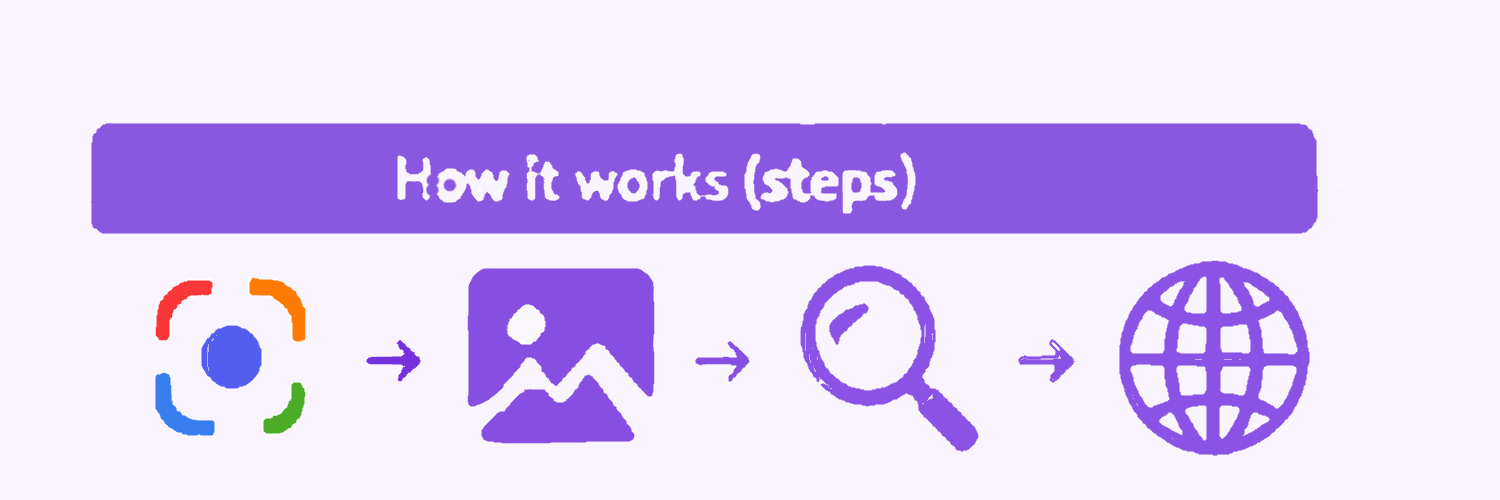
How does it work?
-
Launch Google Lens.
-
Upload a screenshot of a photo or video frame.
-
Google looks at the pictures.
-
Similar images and websites are shown.
-
Verify the results for any duplicates.
Key Features
-
Reverse Image search
-
AI-driven image recognition
-
Search Results Quick
-
Intuitive mobile user interface
-
Google services integration
Pros & Cons
|
Pros |
Cons |
|
Free to Use -Google Lens is completely free and accessible to everyone. |
No True Reverse Video Search – It mainly works with images and video frames. |
|
Quick and Convenient – Provides fast results through a simple interface. |
Limited Accuracy with Edited Content – Modified images may not be detected correctly. |
|
Effective for Frame Searches – Finds matching screenshots and thumbnails. |
May Miss Some Matches – Results depend on Google's index. |
2. Reverse Video Search Tool
Reverse video search tools help creators identify where a video or its visual content appears online. These tools are useful for finding copied, reused, or reposted videos across websites and social media platforms.
Traditional search methods such as Google and Bing mainly rely on screenshots or individual video frames. While they can be helpful, their results are often limited. A dedicated reverse video search tool provides a more comprehensive approach by analyzing video content in greater detail.
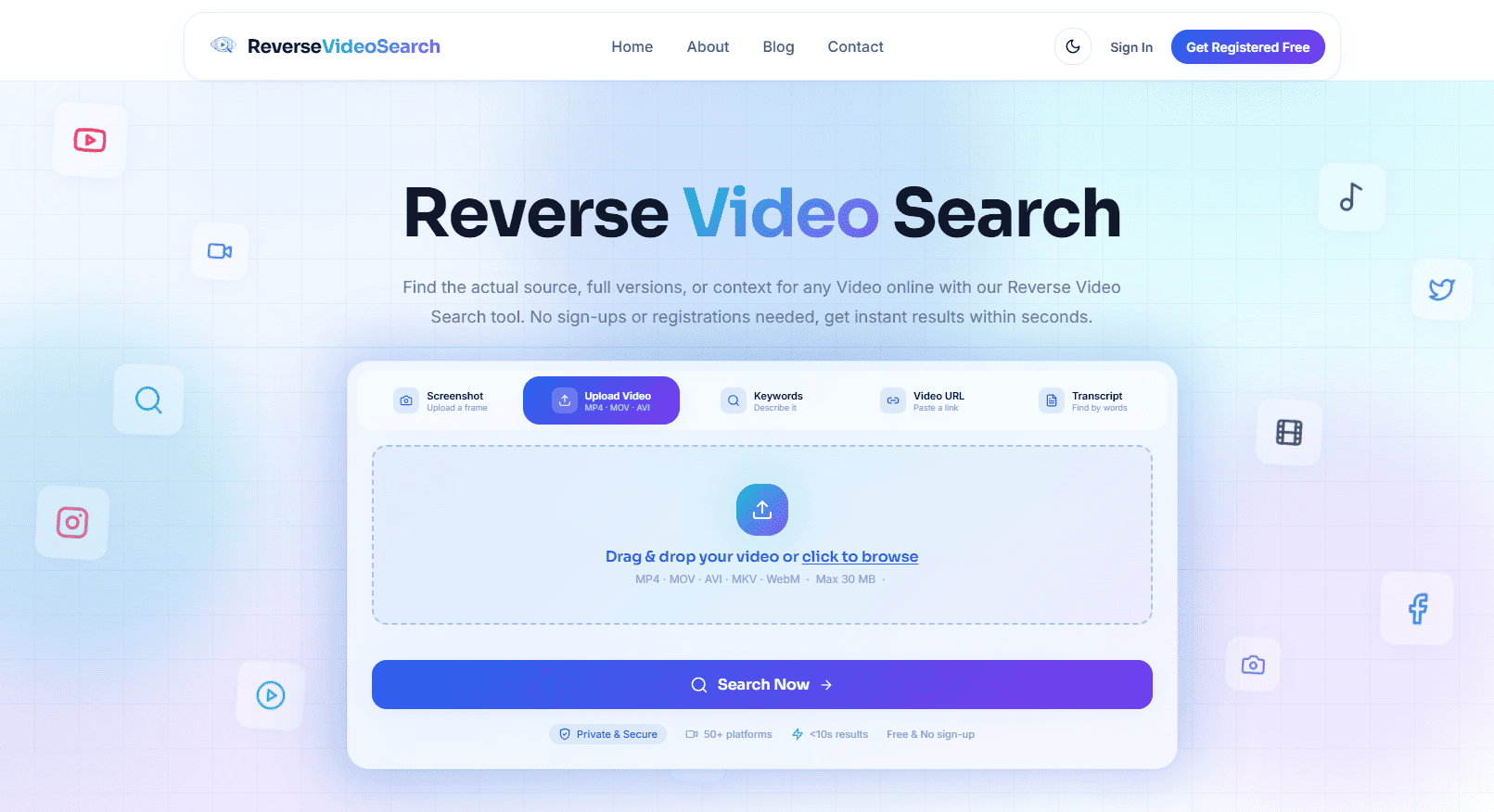
One of the key advantages of this tool is its ability to search across multiple platforms, including Google, Bing, YouTube, TikTok, and other publicly available sources. This makes it easier to discover where a video has been shared, reused, or distributed online.
How It Works
-
Open the reverse video search tool in your browser.
-
Upload a video clip
-
Upload a screenshot.
-
Paste a video URL
-
Search using keywords or transcripts
-
The tool scans the web for matching videos.
-
Results show websites or platforms using similar content.
-
Creators can verify original source or detect misuse.
Key Features
-
Source tracking- Displays original sources of all matched videos.
-
Fast results- Provides results within a few seconds.
-
Deep content scanning- Scans videos across 50+ platforms.
-
Exact + similar matches-Shows not only exact copies but also similar and reused clips.
-
Free and user-friendly- Easy to use and available for free.
Pros & Cons
|
Pros |
Cons |
|
Multiple input options – Supports video upload, screenshot, URL, and keyword search |
Struggles with heavily edited content – Cropped, filtered, sped-up, or modified videos are harder to detect correctly. Learn why this happens and how to work around it. |
|
Useful for verification – Helps check authenticity and track viral content |
Requires human confirmation -Even though the results are helpful, but viewers still need to verify themselves if the video is real or not. |
|
Wide platform coverage – Searches across 50+ platforms like YouTube, TikTok, etc. |
3. Yandex Images
A powerful reverse search engine, Yandex Images can find matching video frames and images on the internet. It is used by many creators to find copied video content.
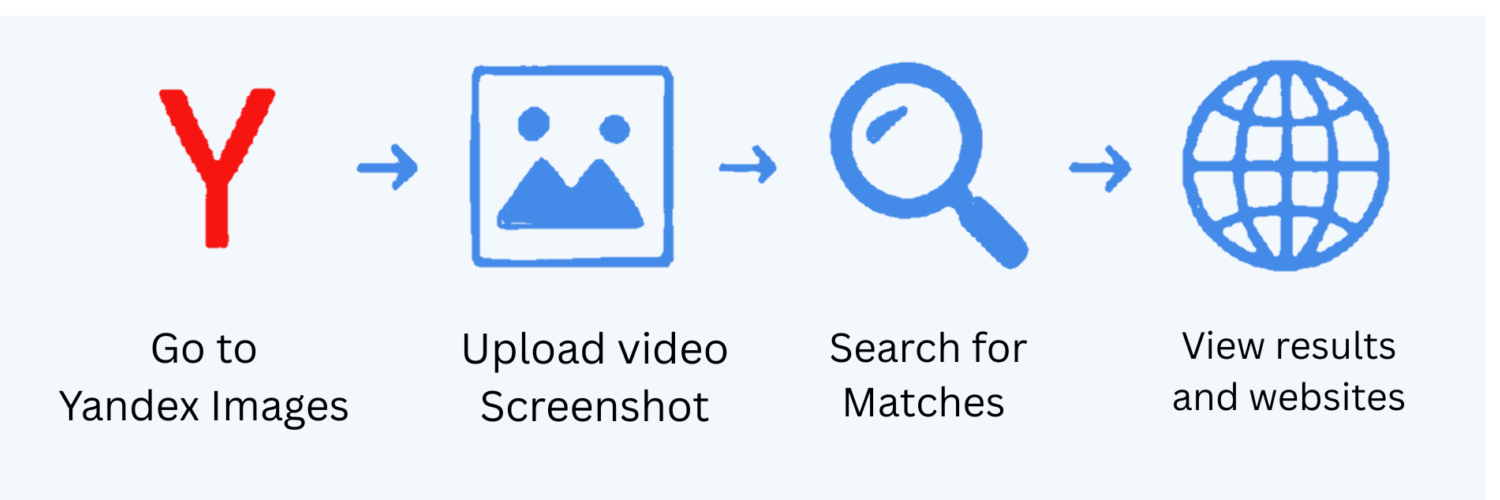
How does it work?
-
Take a screenshot of the video.
-
Upload the image to Yandex Images.
-
The platform searches its database.
-
You will find similar videos and websites.
-
Verify results to detect copied content.
Key Features
-
Advanced Visual Matching
-
Reverse image search
-
Large image library
-
Similar content detection
-
Free Access
Pros & Cons
|
Pros |
Cons |
|
Strong Visual Matching – Often finds matches missed by other tools. |
Not a True Video Search Tool – Works with screenshots instead of full videos. |
|
Large Search Database – Searches a vast collection of images. |
Complex Interface – May feel difficult for beginners. |
|
Free to Use – No subscription required. |
Regional Variations – Results may differ by location. |
4. YouTube Content ID
YouTube Content ID is a copyright management system that helps content owners identify and manage unauthorized use of their videos on YouTube.
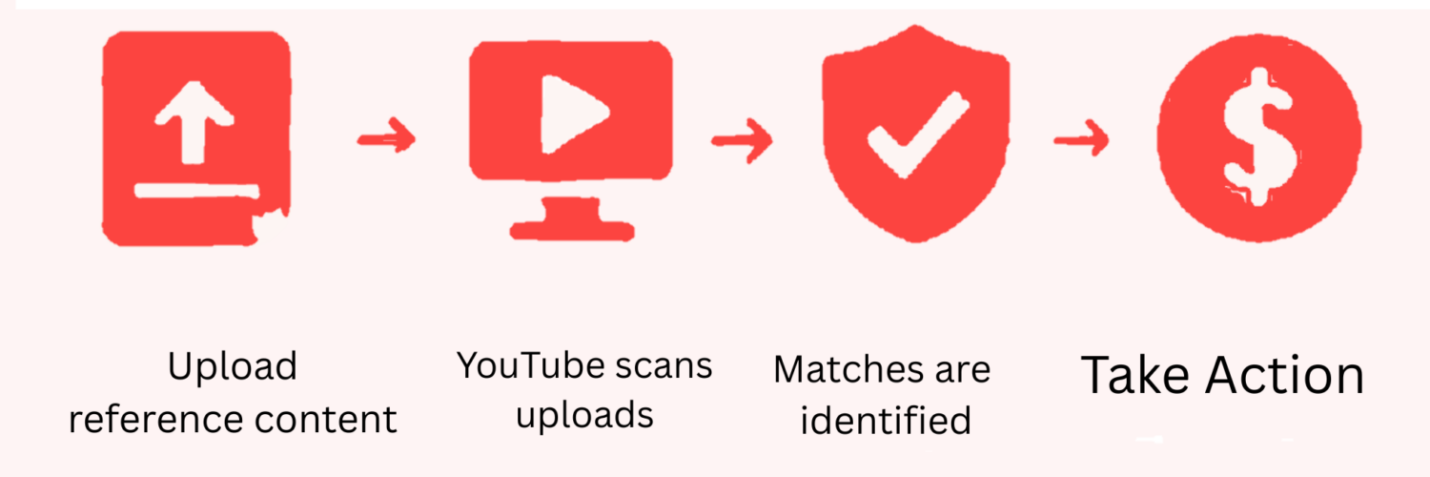
How to Use?
-
Upload reference content to Content ID.
-
Newly submitted videos are checked by YouTube.
-
The system compares videos with reference files.
-
Matches are identified automatically.
-
The owner can block, track, or monetize the content
.
Key Features
-
Automatic content matching
-
Copyright claim management
-
Revenue monetization
-
Global YouTube monitoring
-
Detailed reporting
Pros & Cons
|
Pros |
Cons |
|
Automatic Detection – Finds matching content automatically. |
Restricted Availability – Not available for every creators. |
|
Monetization Options – Earn revenue from reused content. |
YouTube Only – Does not work outside YouTube. |
|
Copyright Protection -Helps secure Original videos. |
False Claims Can Occur – Mistakes are possible. |
5. Digimarc
Digimarc helps creators protect digital content by embedding invisible watermarks into videos and images.
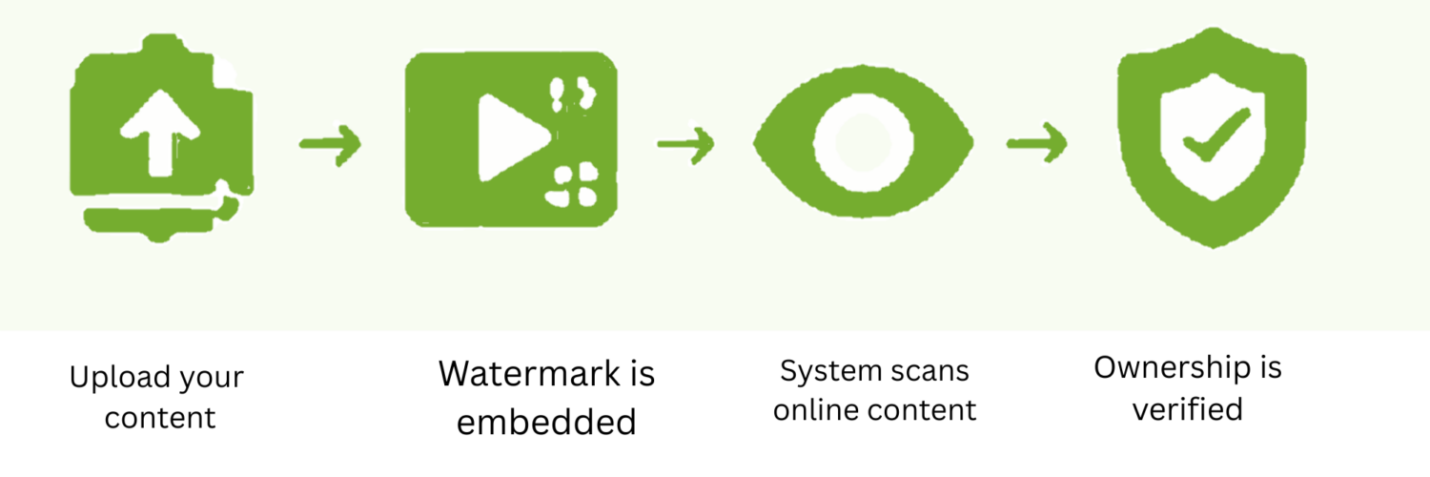
How It Works?
-
Upload the content to Digimarc.
-
An invisible watermark is added.
-
The content is published online.
-
Digimarc scans for watermark matches.
-
Ownership can be verified when needed.
Key Features
-
Invisible watermarking
-
Ownership verification
-
Content tracking
-
Automated detection
-
Multi-format support
Pros & Cons
|
Pros |
Cons |
|
Invisible Watermarking – Protects content discreetly. |
Expensive Solution – Premium pricing may be costly. |
|
Strong Ownership Proof – Helps verify content ownership. |
Technical Setup Required – Initial setup can be challenging. |
|
Difficult to Remove – Watermarks are hard to erase. |
Learning Curve – Requires some technical knowledge. |
6. Red Points
Red Points is an AI-powered platform that detects and removes pirated content from websites, marketplaces, and social platforms.
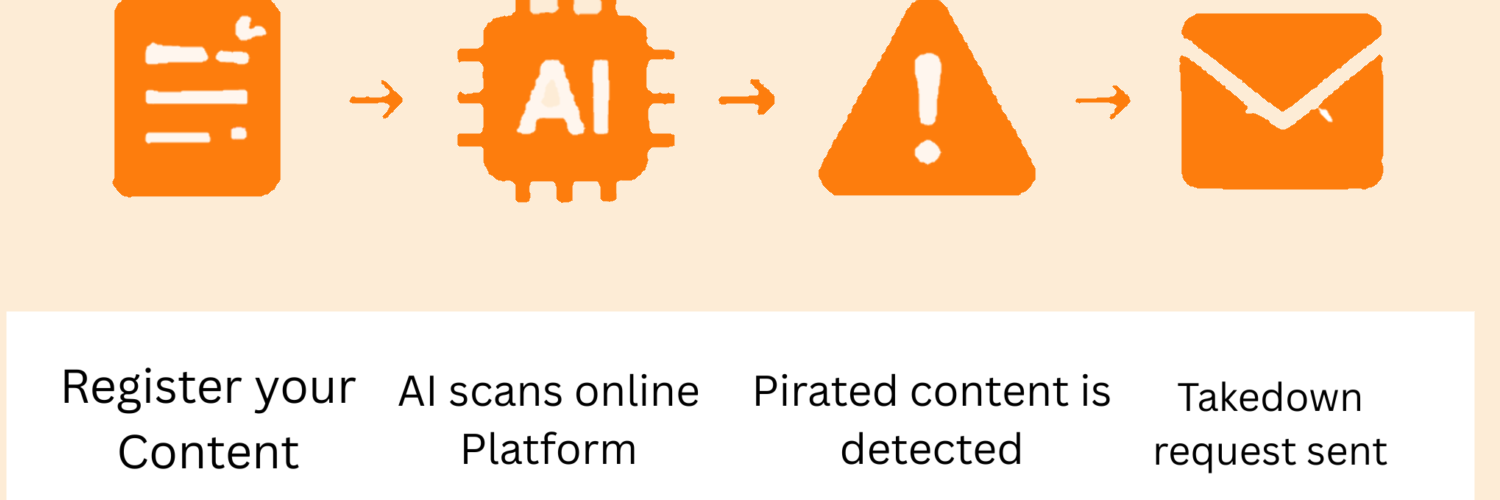
How Does It Work?
-
Register your content.
-
AI scans online platforms.
-
Unauthorized copies are detected.
-
Takedown requests are generated.
-
Violations are monitored continuously.
Key Features
-
AI-powered detection
-
Automated takedowns
-
Real-time monitoring
-
Multi-platform coverage
-
Detailed reporting.
Pros & Cons
|
Pros |
Cons |
|
AI-Powered Detection – Uses automation to find piracy. |
High Cost – May not suit small creators. |
|
Automated Takedowns – Removes violations quickly. |
Complex Setup – Requires configuration. |
|
Real-Time Monitoring – Continuously scans the web. |
False Positives – Legitimate content may be flagged |
7. Pex
Pex helps creators track how their videos and audio content are being used across various online platforms.
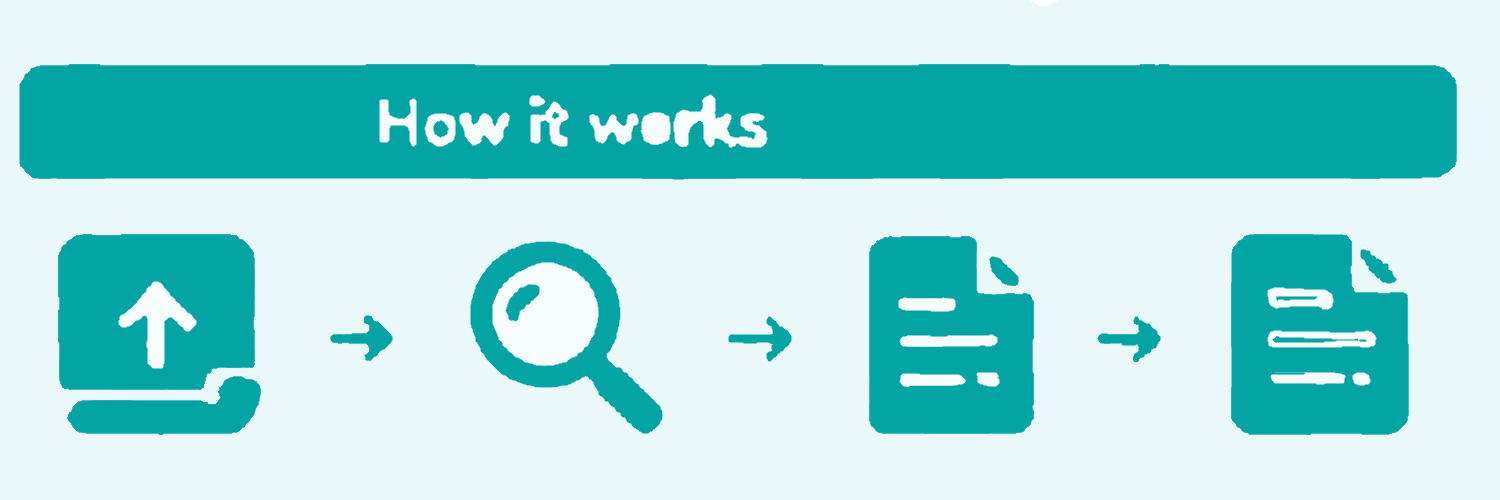
How It Works
-
Register content with Pex.
-
The platform scans partner networks.
-
Matching content is identified.
-
Usage reports are generated.
-
Rights can be managed accordingly.
Key Features
-
Content identification
-
Video and audio tracking
-
Rights management
-
Usage analytic
-
Large content database
Pros & Cons
|
Pros |
Cons |
|
Tracks Usage – Monitors where content appears. |
Enterprise Focused – Designed mainly for large companies. |
|
Rights Management Tools – Helps enforce ownership. |
Expensive for Individuals – Costly for small creators. |
|
Video and Audio Support – Covers multiple media types. |
8. Vimeo Privacy Tools
Vimeo offers privacy and security tools that help creators control who can access and view their videos.
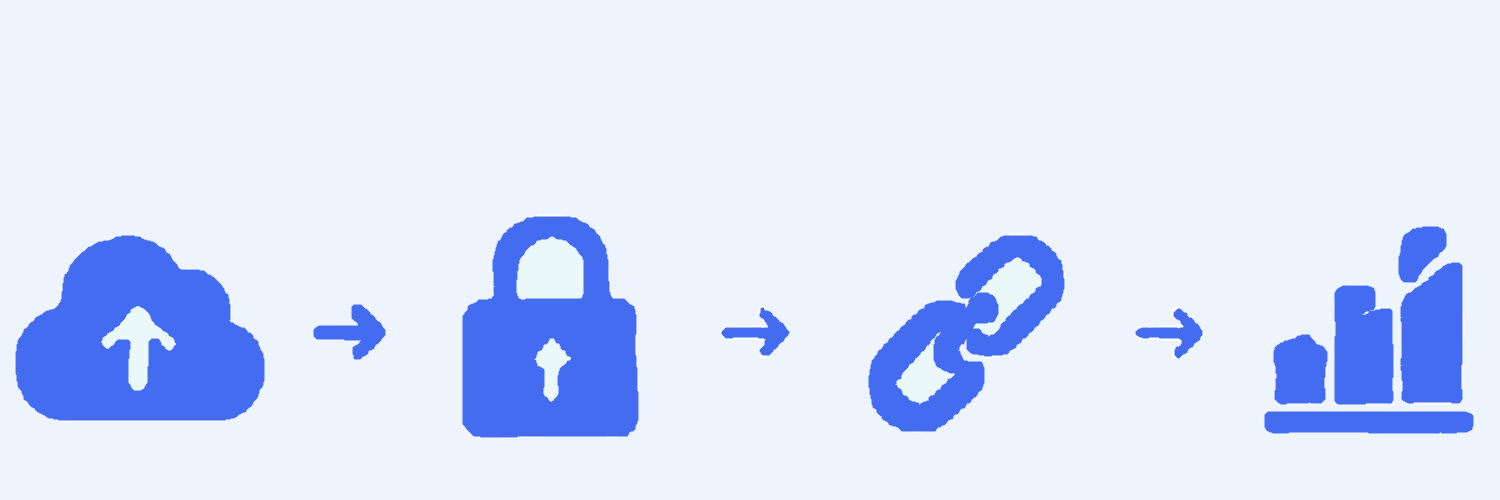
How It Works?
-
Upload videos to Vimeo.
-
Configure privacy settings.
-
Apply password or domain restrictions.
-
Share content securely.
-
Monitor viewer activity.
Key Features
-
Password protection
-
Domain restrictions
-
Private links
-
Video encryption
-
Viewer analytics
Pros & Cons
|
Pros |
Cons |
|
Password Protection – Restricts video access. |
Many Features Are Paid – Advanced tools require subscriptions. |
|
Domain Restrictions – Controls where videos can appear. |
Limited Free Plan – Free users have fewer options. |
|
Secure Sharing – Enhances privacy. |
Not a Full Anti-Piracy Tool – Cannot stop all copying. |
9. Brand Shield
Brand Shield helps creators protect their brand by identifying copyright violations, impersonation attempts, and stolenctent.
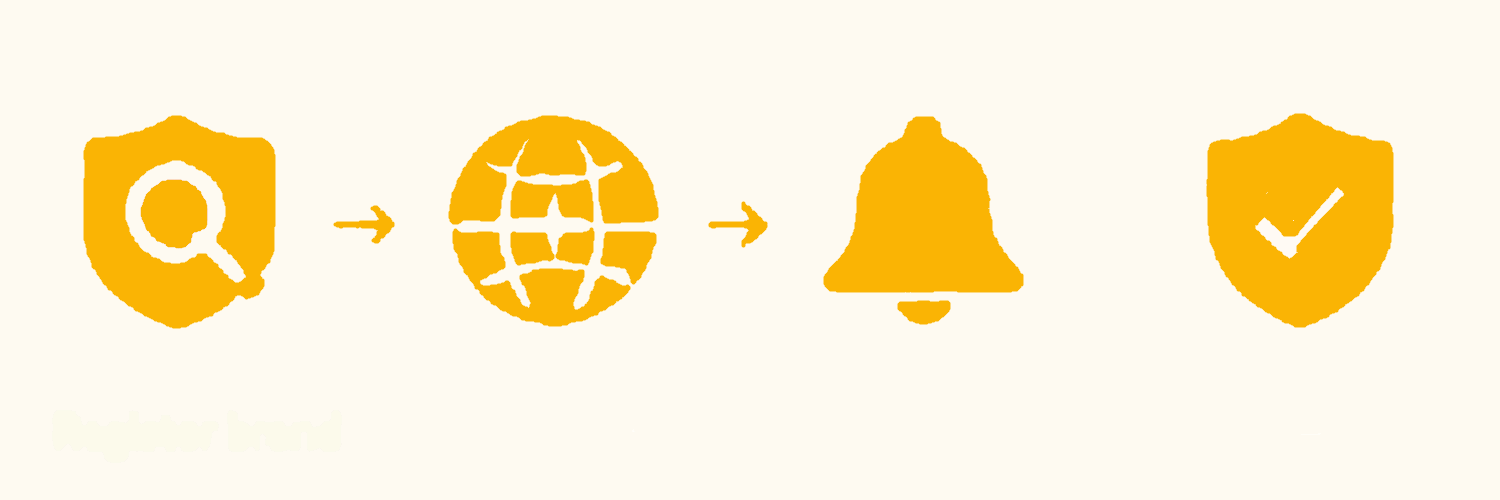
How It Works?
-
Register brandassetc.
-
AI scans the internet.
-
Threats and violations are detected.
-
Alerts are generated.
-
Removal actions can be taken
Key Features
-
AI-powered monitoring
-
Fraud detection
-
Brand protection
-
Threat inteigence
-
Automated alert
Pros & Cons
|
Pros |
Cons |
|
Strong Brand Protection – Safeguards online reputation. |
High Cost – Expensive for individuals. |
|
AI Monitoring – Detects threats automatically. |
Business Focused – Designed mainly for organizations. |
|
Threat Detection – Identifies violations quickly. |
Complex Setup – Requires configuration and training. |
10. Wistia
Wistia is a professional video hosting platform that provides privacy controls, analytics, and secure video management.
How It Works
-
Upload videos to Wistia.
-
Configure privacy settings.
-
Share videos with selected audiences.
-
Monitor viewer engagement.
-
Analyze performance data.
Key Features
-
Secure video hosting
-
Advanced analytics
-
Privacy controls
-
Custom branding
-
Marketing integrations
Pros & Cons
|
Pros |
Cons |
|
Secure Video Hosting – Provides safe content delivery. |
Limited Free Plan – Advanced features require payment. |
|
Advanced Analytics – Tracks viewer engagement. |
Subscription Costs – Ongoing fees apply. |
|
Easy Content Management – User-friendly interface. |
Not Focused on Copyright Enforcement – Limited anti-piracy tools. |
11. Google Alerts
Google Alerts helps creators monitor mentions of their brand, content titles, and keywords across the web.
How It Works
-
Create a Google Alert.
-
Enter keywords or brand names.
-
Google scans the web.
-
New mentions are detected.
-
Alerts are delivered by email.
Key Features
-
Keyword monitoring
-
Email notifications
-
Web-wide scanning
-
Custom alert settings
-
Free service
Pros & Cons
|
Pros |
Cons |
|
Completely Free – No cost to use. |
Not Designed for Video Protection – General monitoring tool. |
|
Easy Setup – Takes only a few minutes. |
May Miss Mentions – Not all content is detected. |
|
Email Notifications – Delivers updates automatically. |
Limited Tracking Depth – Basic monitoring only. |
Comparison Table of Tools
Tool |
Category |
Best For |
Ease of Use |
Free Version |
|
Google Lens |
Reverse Image Search |
Finding copied thumbnails and screenshots |
Easy |
Yes |
|
Reverse Video Search |
Content Verification |
Detecting stolen and reused video content |
Easy |
Yes |
|
Yandex Images |
Reverse Video Frame Search |
Detecting copied video frames |
Medium |
Yes |
|
YouTube Content ID |
Copyright Protection |
Protecting videos on YouTube |
Medium |
No (Limited access) |
|
Digimarc |
Digital Watermarking |
Ownership verification |
Medium |
No |
|
Red Points |
Anti-Piracy Protection |
Detecting and removing pirated content |
Medium |
No |
|
Pex |
Content Tracking |
Monitoring content usage |
Medium |
No |
|
Vimeo Privacy Tool |
Video Access Protection |
Controlling video access |
Easy |
Limited |
|
BrandShield |
Brand Protection |
Protecting brand identity online |
Medium |
No |
|
Wistia |
Secure Video Hosting |
Professional video hosting |
Easy |
Limited |
|
Google Alerts |
Content Monitoring |
Tracking mentions online |
Easy |
Yes |
Conclusion
Protecting video content is essential in today's digital world. From reverse search tools to copyright protection and anti-piracy solutions, each tool plays a unique role.
By using the right combination of these tools, content creators can monitor their work, prevent unauthorized use, protect ownership rights, and maintain greater control over their digital content online.